
Edit the menu before styling it
Gather the current dish names, descriptions, prices and restaurant-approved information in one source. Identify which versions are needed, such as lunch, dinner, drinks or takeaway. Resolve contradictions before spreading the content across several designs.
Group related items under headings customers recognize. Keep descriptions useful and accurate. A long story about the restaurant should not displace the details someone needs to choose or order.
Run a reading test in the dining space
Print the draft at its planned size and try it where guests will use it. Ask someone unfamiliar with the layout to find a category, compare two dishes and identify their prices. Watch where they pause or have to turn the page back.
- Keep dish names, descriptions and prices clearly connected.
- Leave breathing room between sections.
- Use decorative type sparingly and inspect its smaller characters.
- Check contrast under the actual lighting.
- Use current food photographs only where they help the reader.
A photograph should show the offering accurately. If it takes too much space, simplify the layout or reduce the image’s role. Choosing colors does not establish how hungry a reader will feel or what they will order.
Fit the format to the table and the content
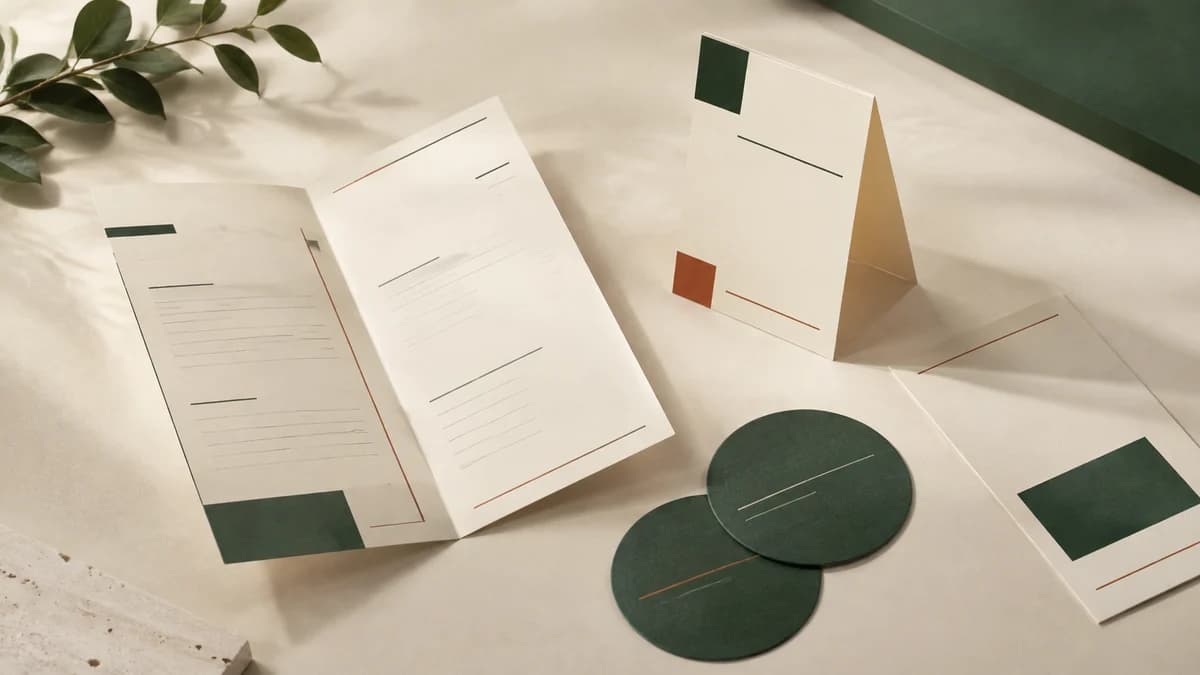
A single sheet may suit a focused menu. A folded or bound piece can hold more information, but the extra space needs a clear reading order. An 11 by 17 inch sheet folded in half gives four 8.5 by 11 inch pages. Use a paper dummy to check the fold before approving artwork.
For printed menus, compare the proposed stock and finish with the way staff will handle and store them. Ask about suitable care for the actual material. A material category alone does not establish a fixed service life or cleaning method.
Wall menus and larger displays need their own dimensions and viewing test. Keep their prices and product names synchronized with the handheld version.
Make changeovers manageable
Separate frequently changing specials from the stable menu where a suitable insert or modular layout makes sense. Confirm the holder, insert dimensions and available space before designing the replacement piece.
Name the person who approves each edition and record when it should replace the old one. Check every price and detail against the current source at proof stage. Keep the approved production file apart from editable drafts.
Base quantities on service needs, replacement use and the next likely content change. Compare complete quotes for the proposed paper, print and finishing rather than buying a fixed number of months by habit. Staff should be able to identify the current version and remove outdated copies during the changeover.