
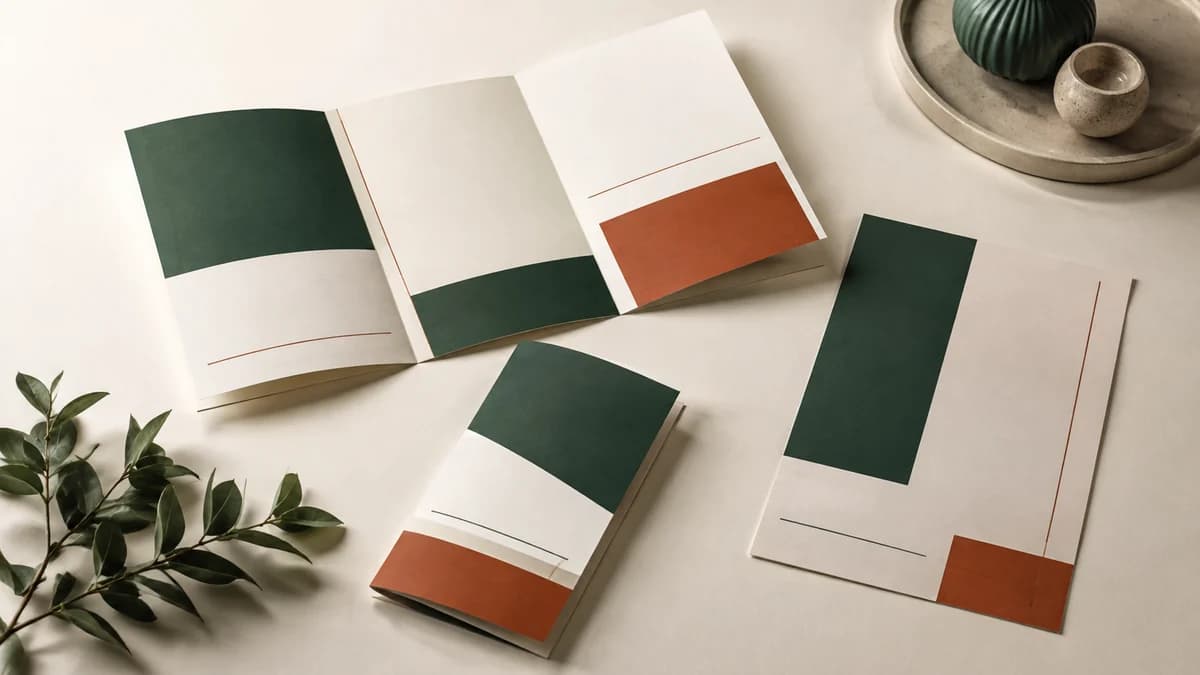
Choose the reading order before laying out panels
Decide what the reader needs from the cover, what they should see when opening the piece, and what detail belongs inside. A brochure should guide that sequence rather than divide a long page into equal columns.
Identify the main question it answers: comparing services, understanding a product range or planning a visit. Put the useful explanation ahead of background that doesn’t help that decision.
Specify the fold, not just the sheet size
A half-fold creates four pages. A tri-fold creates six panels, with panel dimensions determined by the chosen fold. A Z-fold opens differently, so its reading sequence needs a separate layout.
For a larger brochure, an 11″ x 17″ sheet folded in half produces four 8.5″ x 11″ pages. This format can hold service listings, product information or a catering menu. Confirm the flat size, finished size, fold and page count before laying out the artwork.
Use the supplier’s template or confirmed panel dimensions. If the brochure must fit an envelope, rack or folder, verify that fit rather than assuming the format will work.
Make a folded dummy
A simple paper mockup can reveal a reversed panel, awkward opening or misplaced headline before the design is finished. Number the panels internally if that helps the designer and approver discuss the same section.
- Check the cover and the first information revealed.
- Keep related descriptions together.
- Review contact details and the next step in the closed and open positions.
- Confirm that folds don’t interrupt essential content.
Review stock and artwork together
Ask about a suitable stock for the intended fold and handling. Compare a sample when the feel matters, and confirm any scoring or other finishing in the quote.
Read a draft at the intended size. Reduce unnecessary copy before making all the text smaller. Supply original artwork where possible and ask which file requirements apply to the selected construction.
Review current descriptions, prices if included, contact details and approved terms. Test printed links or codes. Choose quantities with the useful life of that information in mind.
The brochure specification should tie together the artwork, flat and finished sizes, fold, stock and quantity. Keep the approved version and job reference for a later edition.