
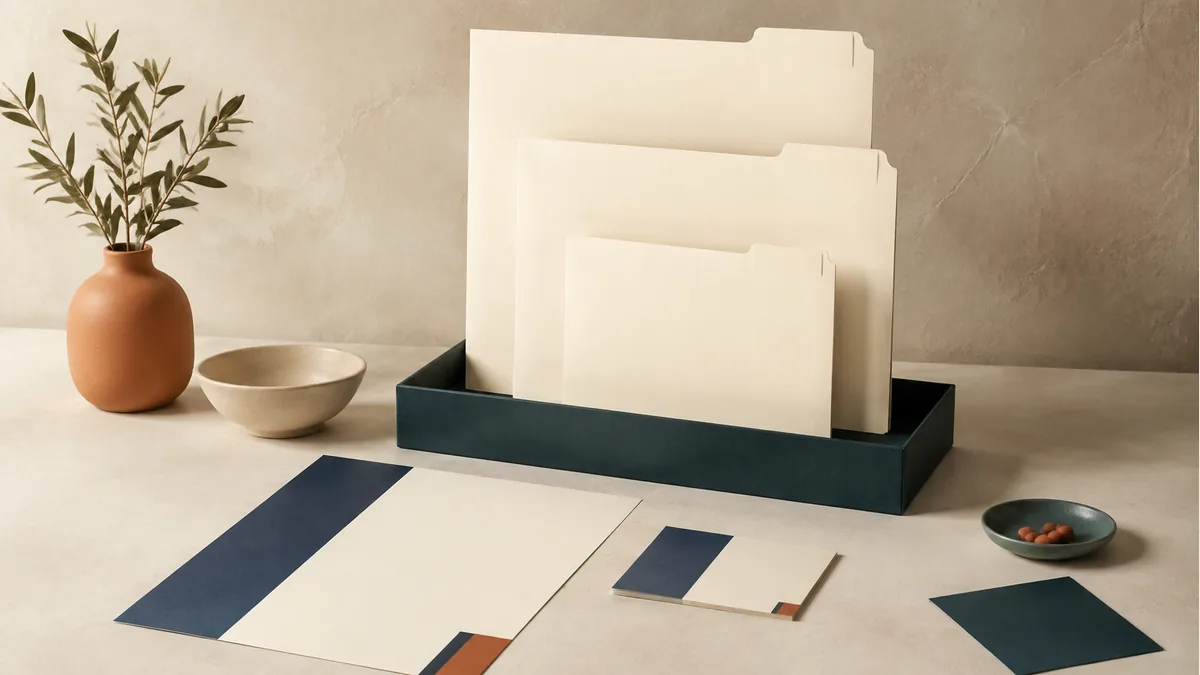
Make a small specification for each piece
Record the finished size, stock, printed sides and any finishing. Note how the piece will be used: letterhead may run through an office printer, an envelope must fit its contents, and a form may need space for handwriting.
Keep a blank physical sample if it is useful, with the job reference and artwork filename. The sample helps explain the appearance; the written specification helps establish what to reproduce.
Separate fixed design from changing information
A shared layout can carry different staff names, office details or departments. Use a version list with one row per variation and its quantity. Have the responsible person approve each record before printing.
Review contact details whenever you reorder. A previous approval does not establish that a phone number, title or address remains current.
Test the way the stationery will be used
Check letterhead with the office equipment and writing tools it needs to support. Confirm window positions and fold alignment for envelopes using the actual insert. Check whether a coating will affect handwriting or a later printing step.
For multi-part forms, decide who needs each copy and how the sets will be handled. The NCR form guide explains the choice between two-part and three-part sets.
Plan replenishment from use and changes
Record what remains on hand and what is used between orders. Balance the quantity against the risk of changing staff details, branding or form content. A lower unit price is not a saving if the extra stock becomes obsolete.
Send a reorder inquiry with the prior job reference, current quantity and a clear list of changes. The team can check the specification and quote; a saved job does not imply an automatic reorder or a standing price.
Keep approval responsibility clear
Name one person to consolidate corrections and give final approval. Save the approved proof separately from working files. For several offices, label the required version and quantity by destination without putting customer or staff lists into a public example.
Explore business cards, envelope printing and NCR forms, or request a stationery quote with your version list and specification.