
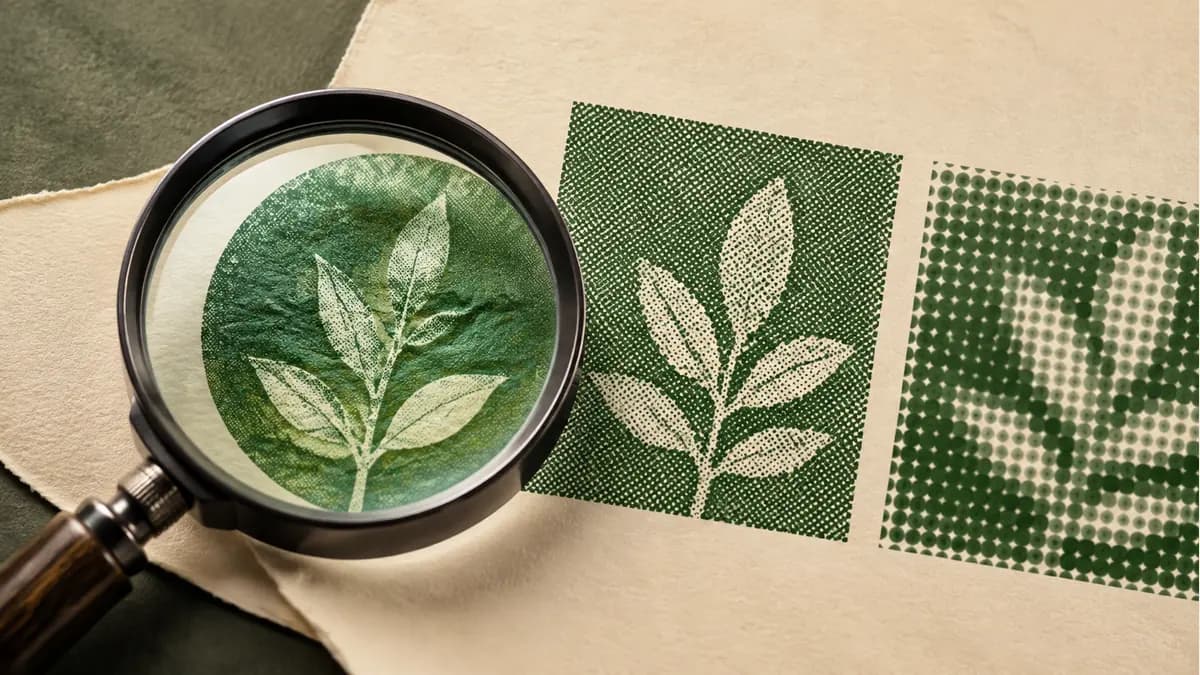
Judge the image at its finished size
An image that looks clear in a small screen preview may not contain the detail needed for a larger print. Tell the provider the intended dimensions and viewing situation before asking whether the file is suitable.
Send the original available artwork rather than a screenshot of it. Ask which requirements apply to the actual product; a contact card and a large display don’t present the same viewing conditions.
Distinguish images from vector artwork
A raster image is made of pixels. Vector artwork describes shapes and paths, which can be useful for logos and other graphics that need different sizes. Send the original available artwork for review rather than choosing a new file format without discussing the job.
Provide original logo artwork where available and identify any image that has already been enlarged or heavily edited. Don’t assume renaming a file or labeling it “high resolution” changes the detail it contains.
Ask for a file review tied to the product
- State the finished size and whether the artwork fills the whole piece.
- Explain how close the reader or viewer will be.
- Identify small text, fine detail or important color references.
- Supply the original files and ask what preparation is needed.
Cards and brochures need readable close-viewed content. Banners need a layout suited to their placement. Vehicle graphics also require the correct surface and construction assessment.
Separate resolution from other proof questions
Image detail is only one part of print quality. Stock, color expectations, font handling and the layout also need review. Ask which proof is available and what it represents.
Read a draft at the intended size. Check the information and sequence as well as the image: a sharp photograph cannot correct a wrong phone number or an unreadable form field.
That matters for operational forms, property materials and restaurant pieces in different ways. Identify the detail that must remain useful in each.
Save the approved artwork and original assets with the finished specification. When discussing another format with Forest Printing, provide that source and the new dimensions so suitability can be assessed again.